VR Toggler
Quickly enable or disable SteamVR from your system tray. Switch between VR Mode and Desktop Mode without opening Steam.
WindowsFreeOpen SourceTray App
Features
Instant VR Toggle
Switch between VR Mode and Desktop Mode with a single click. No need to open Steam or change any settings.
System Tray Control
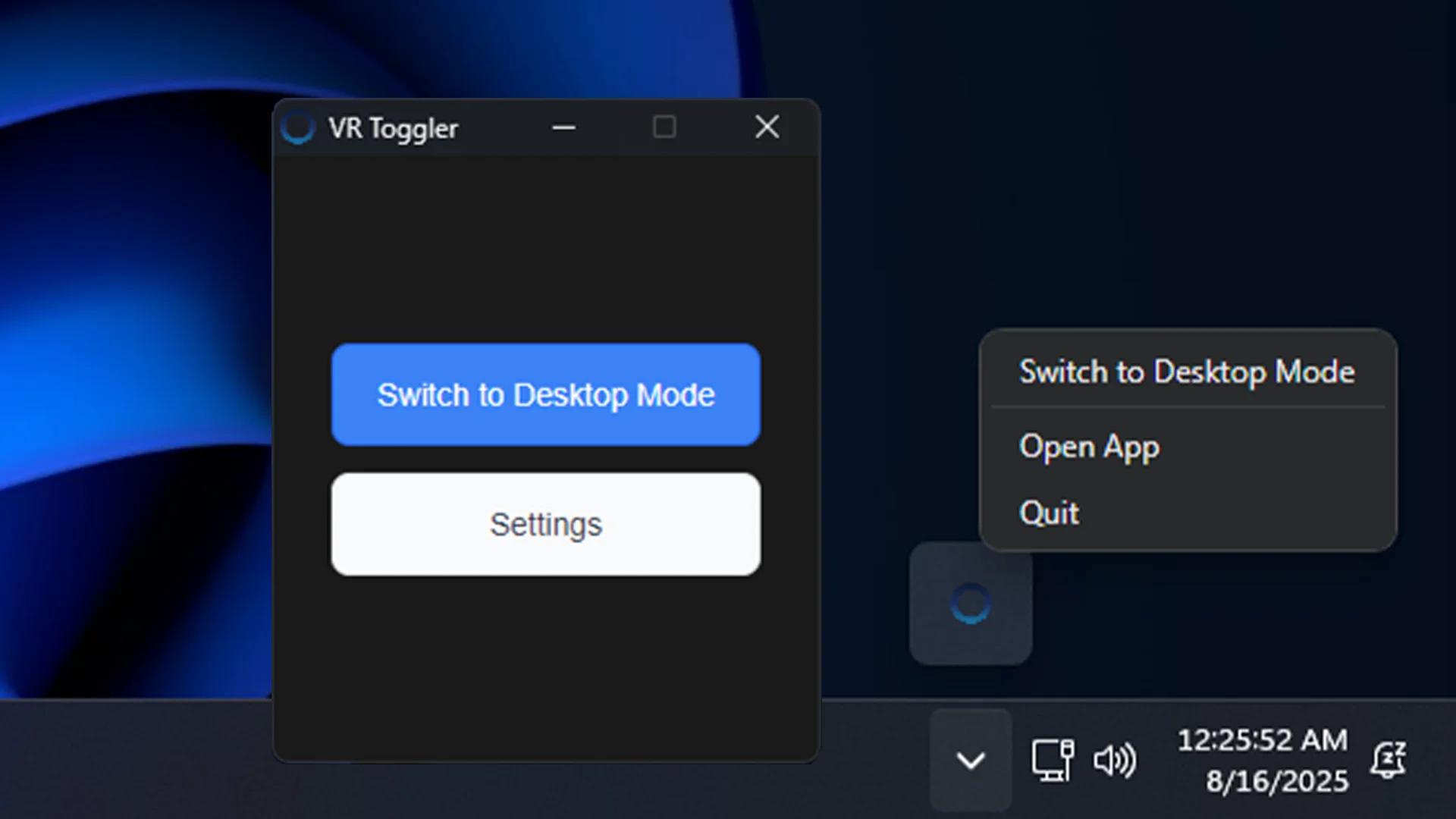
Lives quietly in your system tray. Right-click to switch modes or access settings anytime.
Auto-Launch Support
Optionally start with Windows so it's always ready when you need it.
Windows Notifications
Get instant feedback when switching modes with native Windows notifications.
In Action
How It Works
1
Install & Launch
Run the installer and launch VR Toggler
2
Auto-Detect
SteamVR folder is found automatically
3
Toggle
Click to switch between VR and Desktop modes
4
Done
Mode changes instantly with a notification
The app works by renaming your SteamVR folder. Close Steam/SteamVR before toggling if the folder is in use. If SteamVR is installed under Program Files, switching may require administrator privileges.
Details
Platform
Windows
Price
Free
Requires
SteamVR
Developer
Jack Seigerman